- Getting startedWhat Practiz is, who it's for and how it fits with how you learn.7 questions
- How practice worksRounds, kinds of question, marking and the questions themselves.8 questions
- Words and progressHow words come back, what strength means, streaks and your progress page.5 questions
- Languages, levels and devicesWhat you can practise today, and where.6 questions
- Pricing and billingThe free sessions, Pro, payments and cancelling.8 questions
- Privacy and your accountYour answers, AI, and deleting your account.6 questions
Getting started
What Practiz is, who it's for and how it fits with how you learn.
What is Practiz?
Practiz is where you practise the language you're already learning. You keep learning in your app, your class or with your tutor, and come here for quick rounds of questions at your level, about everyday things, so the words stick.
Is Practiz a language course?
No. Practiz doesn't teach new lessons or explain grammar from scratch. It gives you practice: questions on words and sentences at your level, marked as you go. It works best next to whatever you learn with.
Who is Practiz for?
Anyone learning English between A1 (beginner) and B2 (upper intermediate) who already learns somewhere: an app, an evening class, school, a tutor or a textbook. If you've never studied English at all, start with a course and come back once you know some basics.
Does it work with the app or class I already use?
Yes, that's the idea. Keep your streak there and keep going to class. Practiz doesn't connect to other apps or know what your class covered this week, so it won't follow your course lesson by lesson. It practises the everyday words of your level and the themes you pick, which most courses cover too.
Which apps does it go with?
Any of them. People learn English with Duolingo, Busuu, Babbel, flashcards, school, tutors and books, and Practiz sits next to all of them. Our comparisons explain how it fits beside the big ones.
How do I get started?
Create an account, then answer three quick questions: what you're practising, your level and a few topics you like. Your first round is one tap away after that.
Which level should I pick?
Each level comes with a line to help. A1 is “I can handle simple everyday phrases”, A2 “I get by in familiar, everyday situations”, B1 “I can chat about most things I care about” and B2 “I hold my own in real conversations”. Torn between two? Pick the lower one. You can change it any time in Settings.
How practice works
Rounds, kinds of question, marking and the questions themselves.
What happens in a session?
A session is one round of 5, 10 or 20 questions. You pick a theme, or a mix of the words that are due from every theme, and answer one question at a time. Each answer is marked straight away, and at the end you see your score, your best run and every answer to look back on.
How long does a session take?
That depends on the length you pick and how much writing it has. A quick round of 5 questions is over in a few minutes. There's no timer, so go at your own pace.
What kinds of question are there?
Eight. Five you answer by tapping: Pick the word, Match-up, Word shuffle, Name that word and Fill the gap. Three you type: Translate it, Spot the slip and Make a sentence. At A1 you get picking and matching; the others join in at A2 and B1.
Can I choose between tapping and typing?
Yes. Your practice style in Settings goes from mostly tapping to mostly writing, in five steps from about 20% writing to about 80%. It applies from your next round, and you can change it whenever you like.
How are my answers marked?
Questions with a set answer, like picking a word or fixing a mistake, are marked the moment you answer. Translations and your own sentences are checked by AI, which accepts natural ways of saying the same thing and tells you in a line what to change when it's not quite right.
Are the questions written by AI? Can they be wrong?
Yes, each round's questions are written by AI for your level and topics. Every question is checked before you see it, and one that fails the check twice is dropped, so a round can be a little shorter than you picked. Mistakes can still slip through. If you spot one, email us and we'll look into it.
Are there hints?
Some questions come with a hint. Tap Hint to see it before you answer.
What if I stop halfway through?
Your answers are saved. Leave and come back to finish later, or discard the session. One left untouched for a day is tidied away.
Words and progress
How words come back, what strength means, streaks and your progress page.
How does Practiz decide which words come back?
Every word you meet is saved to your words, and each one is due again after a while: sooner if you got it wrong, later if you got it right. A mixed round starts with the words that are due, so the ones you're about to forget get another go.
What do Wobbly and Locked in mean?
That's a word's strength. Every word starts Brand new, then goes Wobbly, Getting there, Solid and Locked in as you get it right, and slips back a step when you miss it.
Can I add my own words?
Not yet. For now Practiz picks words from its dictionary of nearly 8,000 English words, by your level and the themes you play. Adding your own is on the way.
How do streaks work?
Finish a round on a day and your streak grows by one. Your day ticks over at midnight in your timezone, which you can set in Settings. Miss a day and the streak starts again, but your best run stays on your progress page.
Can I see how I'm doing?
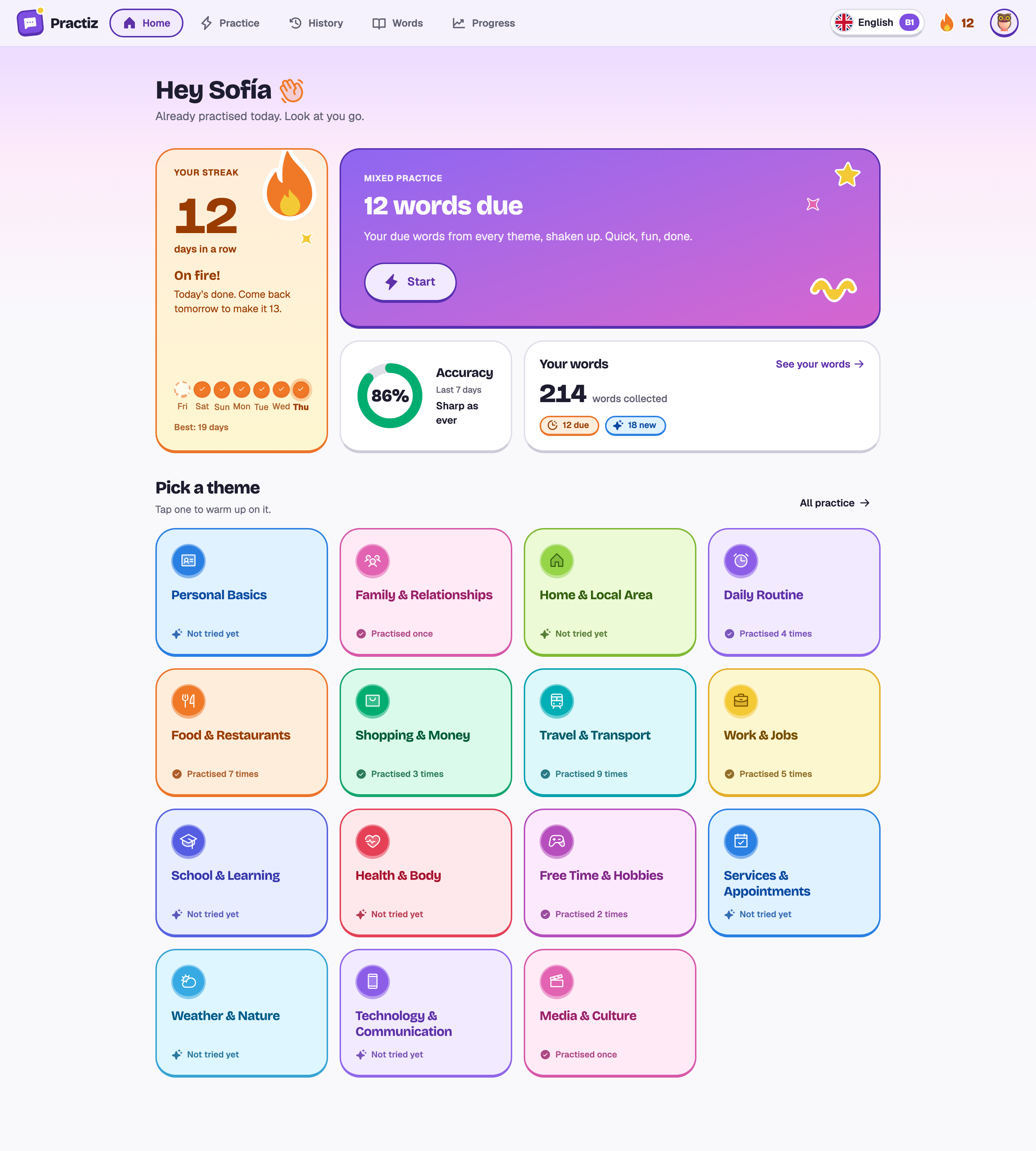
Yes. Your progress page shows your streak, your answers for the last 14 days, your accuracy, how you do with each kind of question and which themes you play most. History keeps every session, with every answer to look back on.
Languages, levels and devices
What you can practise today, and where.
Which languages can I practise?
English, for now, from A1 to B2. More languages are on their way, and we'd rather not promise dates we can't keep.
I'm a complete beginner. Can I start here?
You can pick A1, which sticks to picking and matching everyday words. But Practiz doesn't teach from zero, so it's best next to a course or a class that does.
I'm above B2. Is Practiz for me?
Probably not yet. Practiz goes up to B2 (upper intermediate) today, so advanced learners may find it easy.
Can I change my level later?
Any time, in Settings. Your words and progress stay where they are.
Is there an app?
Practiz works in your browser on a phone, tablet or computer, with nothing to install. An iPhone app is on the way.
Is there a dark mode?
Yes. Pick light, dark or match your device in Settings, along with one of six accent colours and a character for your avatar.
Pricing and billing
The free sessions, Pro, payments and cancelling.
Is Practiz free?
Every account starts with 5 free sessions, and you don't need a card. After that, Pro is $5.99 a month or $59.99 a year.
What counts as a free session?
Every session that starts being made, whatever its length, including ones you leave early or delete. One that fails to come together doesn't count.
Do the free sessions expire after a few days?
No. They're counted in sessions, not days, so take a week or a month to use them.
What do I get with Pro?
Unlimited practice sessions, in every theme and at every level. Everything else works just the same.
What's the difference between monthly and yearly?
Only the price. Monthly is $5.99 every month. Yearly is $59.99 once a year, which works out at $5.00 a month and saves about two months. You can switch in the app: moving to yearly charges the difference straight away, and moving to monthly starts when your paid year ends.
How do I pay?
On Stripe's secure checkout page. Stripe handles the payment, the tax and your invoices, and your card details never reach Practiz. Prices are in US dollars.
Can I cancel any time?
Yes. Cancel from Billing in Settings and you keep Pro until the end of the time you've paid for.
Where are my invoices?
In Settings, under Billing, with Stripe's receipt and a PDF for every payment.
Privacy and your account
Your answers, AI, and deleting your account.
What happens to my answers?
They're saved with your sessions, so you can look back on them, and they help pick your next questions. To write and check questions, Practiz sends the question and your answer to an AI provider (OpenAI by default) and asks it not to store them.
Do you use my answers to train AI?
No. Practiz doesn't train AI models on your answers.
Can anyone else see my progress?
No. There are no public profiles or leaderboards. Your words, streak and sessions are yours.
Why do I need to confirm my email?
So you can get back in if you ever forget your password. You can play your first session straight away; confirm your email to keep practising after that.
Can I delete my account?
Yes, in Settings, under Account. It's immediate and can't be undone: your sessions, words and streak all go. If you pay for Pro through Stripe, the subscription is cancelled at once, without a refund for the time left.
How do I get in touch?
Email support@practiz.app, about anything at all.
Still wondering about something?
Email us with anything at all, from a question to a typo in a question.
Your first round is one tap away.
Five free sessions, no card. Setting up takes three questions.
- 1Create your account.
- 2Pick your level and a few topics.
- 3Play your first round.